
7. Search & filtering
Quick text search
Type in Search products… to filter instantly. It matches product title, variant
title, SKU and barcode (and vendor, if you've enabled the Vendor column). Matching is
accent-insensitive, so cerveny finds červený.
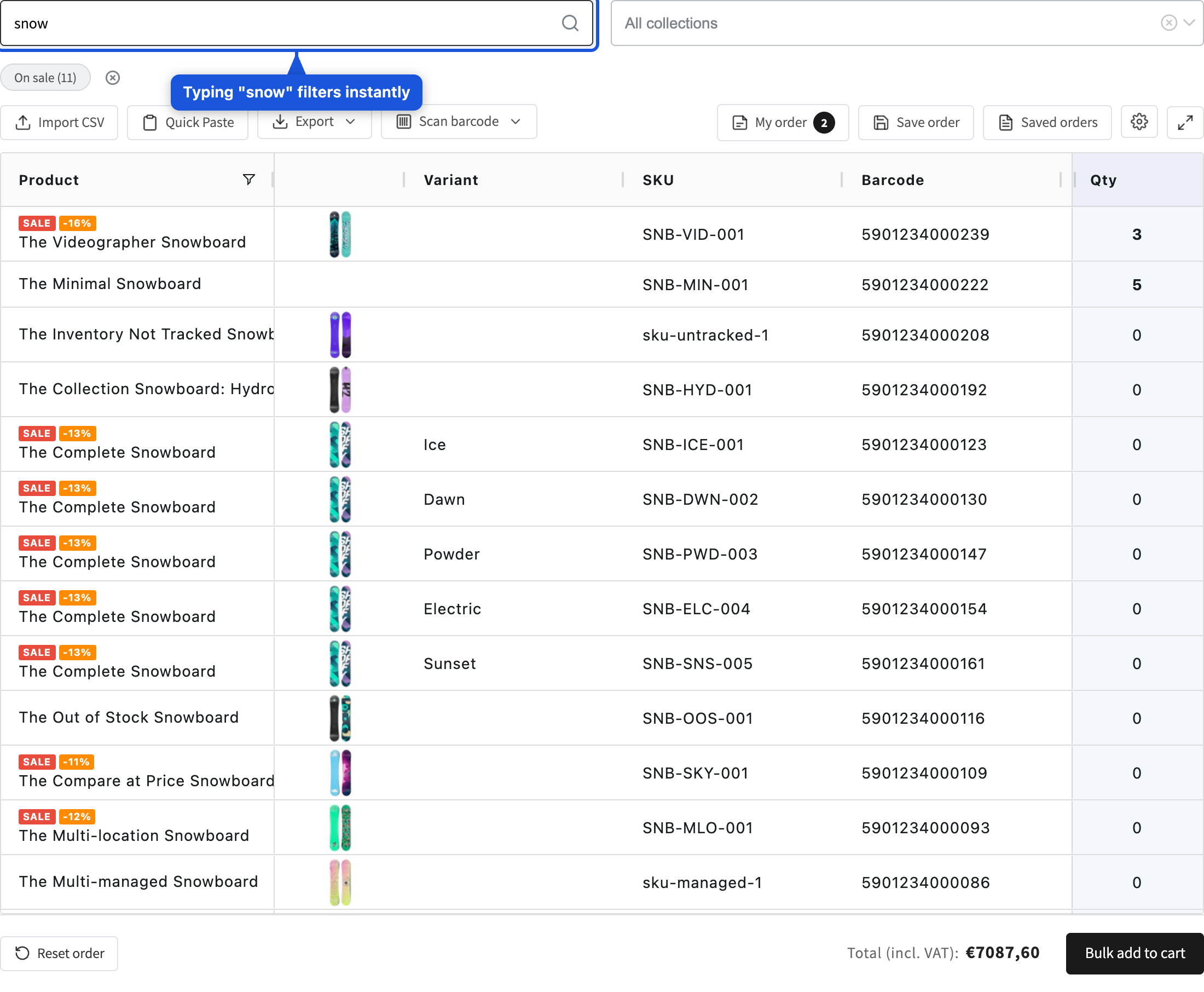
Small and medium catalogs filter instantly in the browser; very large catalogs (server-side mode) use a short 300 ms debounce before querying.
Collection filter
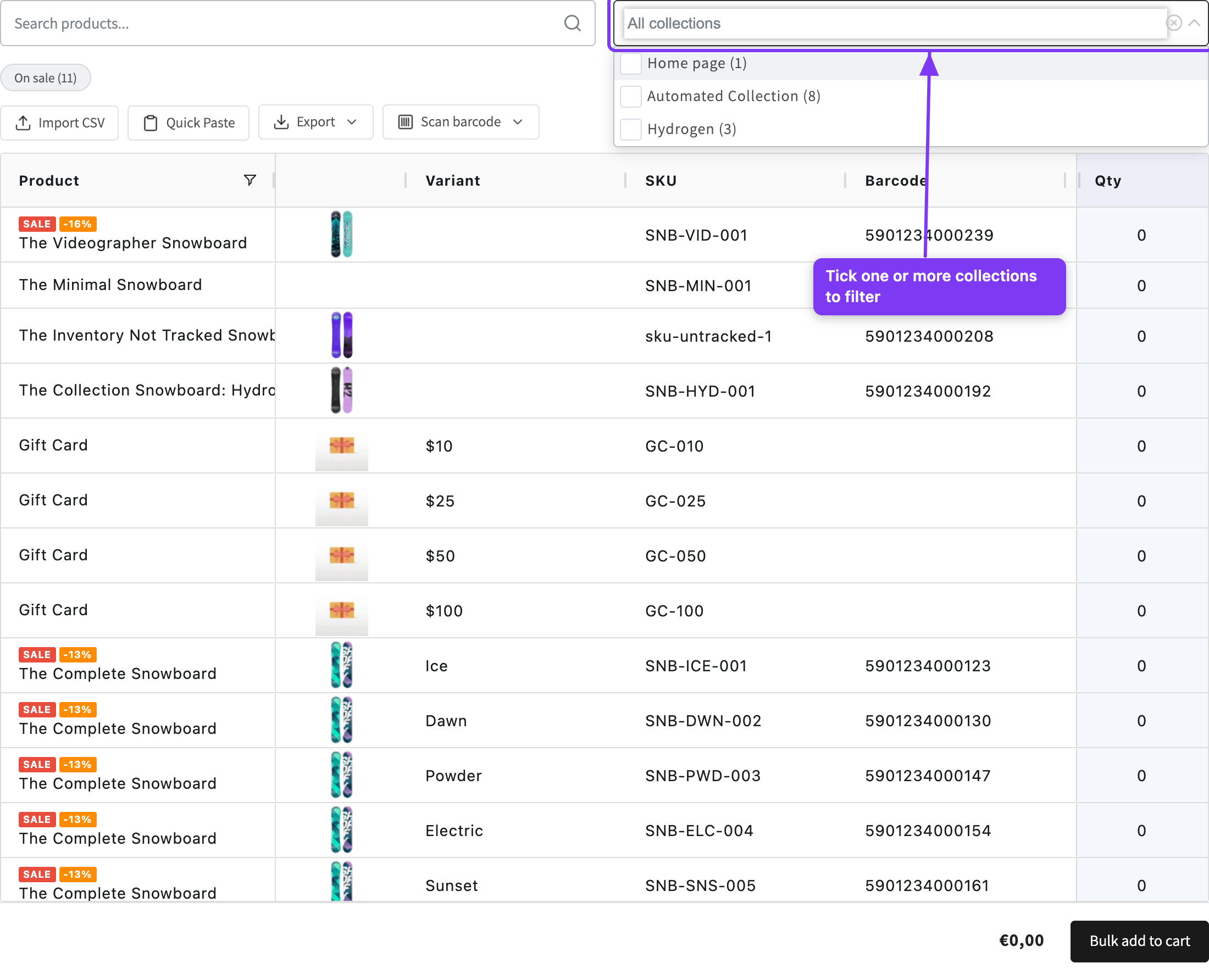
Open All collections to browse your collections in a tree and tick one or more to filter. The selection is remembered in the browser.
Predefined filter pills
Two quick filters sit above the grid: New (added within your store's "new" window,
30 days by default) and On sale (compare_at_price > price). The number is a live
count; a pill with a count of 0 is hidden automatically. Click to toggle; both can be
active at once. A ✕ Clear filters control appears whenever any filter is active.
Column filters: in client-side mode you can also click the filter icon in the Product / Stock / Price headers for text/number filters. These are disabled in server-side mode.